
Designing STEM for Every Learner
Written by: Jen Stewart
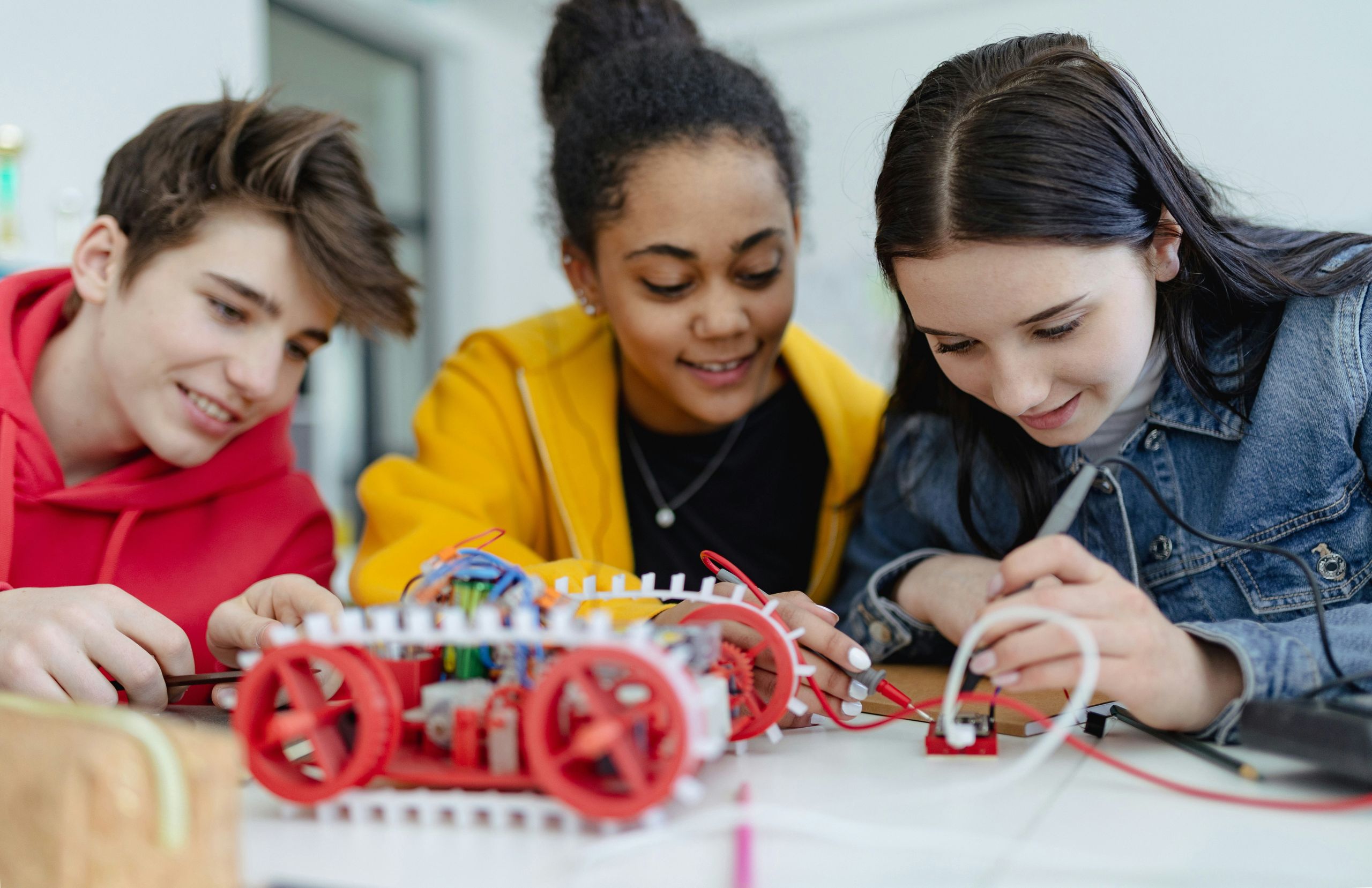
Creating a STEM classroom where every student feels successful, capable, and included is something I think about every day. In a space filled with coding, robots, problem-solving, and collaboration, it can be easy to assume that engagement comes naturally. But the reality is that many students face barriers, whether it is reading level, language, processing speed, or sensory needs that can make STEM feel out of reach.
The good news is that small, intentional choices can make a big difference. With the right tools, supports, and mindset, we can design experiences where all students can access the learning, build confidence, and see themselves as problem solvers.
Here are some practical strategies I use in my classroom to make STEM more inclusive and accessible for every learner.
Coding
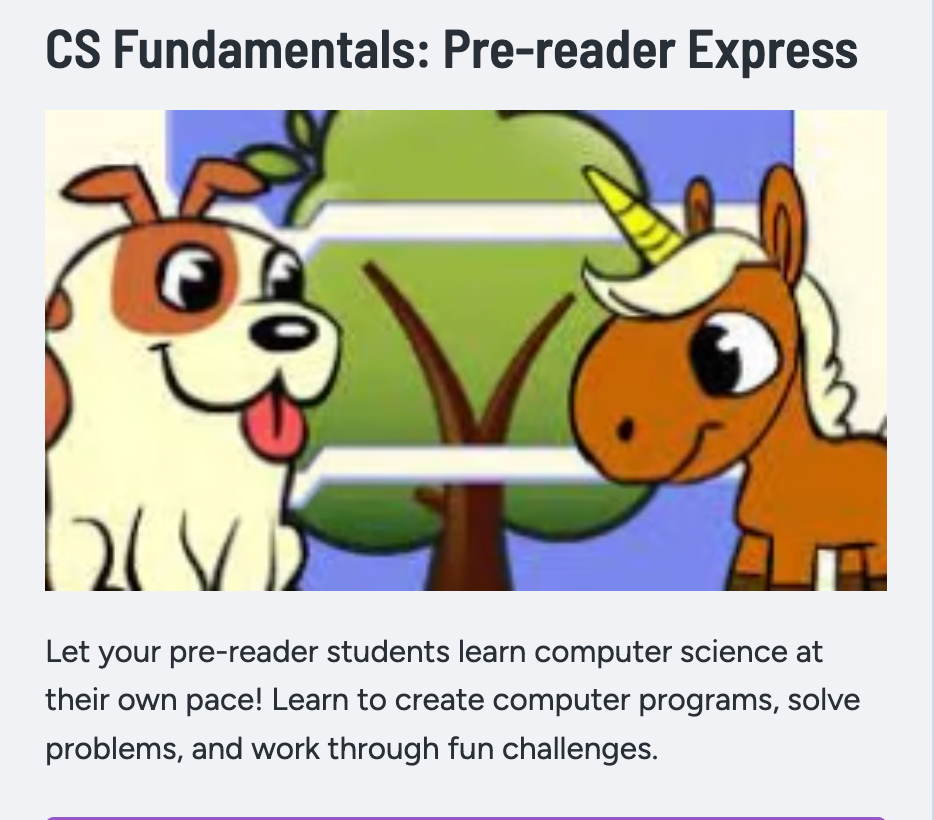
Computer Science and coding are cornerstones of many STEM programs. How can we make computer science (CS) engaging and accessible to students who struggle with reading and comprehension? In addition to numerous curriculums and lesson plans, CODE.ORG has a pre-reader express program. This allows not only our youngest STEM students to learn basic CS concepts, but also our older students who need some extra help with reading skills to be able to learn how to use block coding, logic, and problem-solving. You can assign these lessons to individual students, which will automatically pop up when they log in. The activities are scaffolded, and the difficulty increases, and students learn new skills. Additionally, multilingual students are able to easily change the language throughout the whole Code.org platform.
Robots
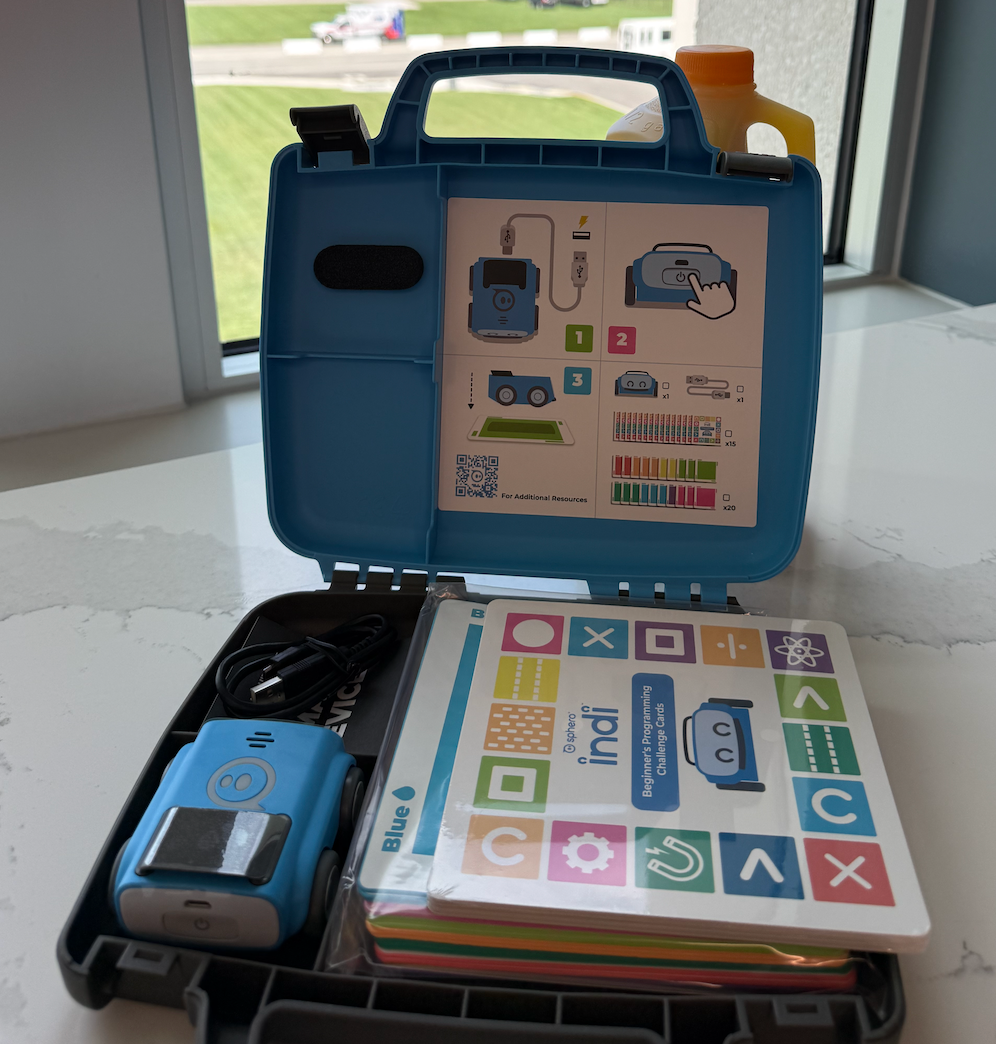
My students and I love learning with our Dash robots. The tutorial lessons are excellent for working on basic CS concepts, problem-solving, and sequencing. The directions for these lessons can be text-heavy, and the blocks for coding are also text-based. For struggling readers, there are other robot options that use colors or images to teach basic coding skills. My favorite is the Sphero Indi. The kits include the car-shaped robots, durable color-coded squares to create codes and paths, as well as several challenge cards. Students are learning the same concepts, skills, and sequencing, but in a different way.
Vocabulary/Review
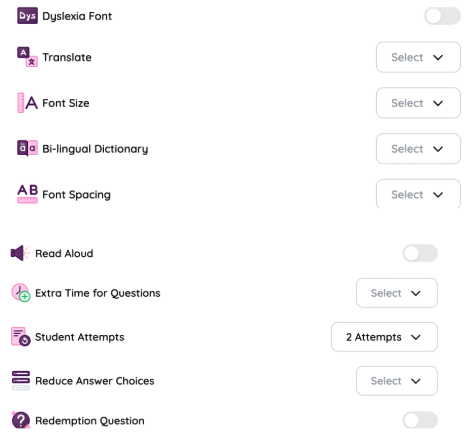
I often use multimedia game platforms to introduce new concepts or review vocabulary. I use AI to quickly create gamified quizzes to increase student engagement and understanding. While a fun learning activity, it can also be stressful to students who feel overwhelmed or rushed by the game scenario. To help prevent this, I never use speed as a basis for success. Students work and finish at their own pace. I almost always use Waground.com because it offers numerous accommodations to match students’ IEPs and individual needs. These accommodations can be saved for students and used by all teachers logged into the website. Accommodations can also be added “real-time” during the activity.
“Students are learning the same concepts, skills, and sequencing, but in a different way.”
In-Class Presentations
If you frequently use Google Slides presentations and have students with hearing loss or who use hearing aids, you can turn on the live closed captioning feature. Captions are generated in real time as you speak through the presentation. There are some limitations, as it is currently only available in English and does not punctuate the captions, but for students who have difficulty hearing, it can be a helpful addition to your presentations.
Project-Based Learning
For some students, project-based learning tasks can be overwhelming. It is difficult to know where to start and how to progress through a multi-step project. There are some steps teachers can take to make this process easier and help students complete the project successfully.
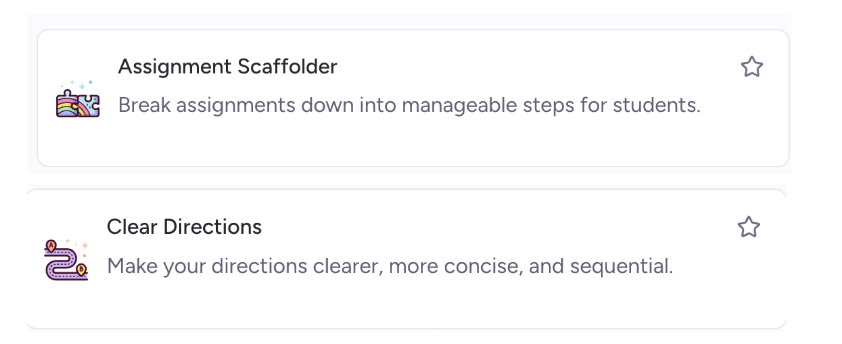
- Use AI, like Chat GTP or Magic School, to simplify the activity or to chunk into smaller parts.
- Use AI to break the process down and create specific, explicit instructions.
- For students who need less explicit instructions, you can create sentence frames that students will fill out to help get them started.
- Create a checklist for tasks that need to be completed.
More quick ways to help all students find success in STEM
- STEM labs can get loud when everyone is working. Provide headphones for students who need a quieter environment.
- Post safety signs in all languages spoken in your classroom, and incorporate pictures when able.
- Have tools that all students can use. For example, make sure you have scissors in multiple sizes for right and left-handed students. There are also adaptive scissors if students need them.
- Have a quiet space for students to take a time out when they are experiencing sensory overload.
- Allow students to sit or stand as needed. Movement is always important to the thinking process.
- Cool fonts and typefaces can make our handouts and presentations appear more fun, but are they the best for dyslexic and visually impaired students? Arial, Tahoma, and Verdana are best due to their spacing and distinct letter shapes.
At the end of the day, creating an inclusive STEM classroom is really about being intentional with the choices we make. Small adjustments can go a long way in helping students feel more comfortable, confident, and ready to engage.
One thing I have noticed is that the supports we put in place for students who need a little extra help often end up benefiting everyone. Clear directions, flexible pacing, visual supports, and hands-on experiences make learning more accessible across the board.
STEM class or lessons should feel like a place where students can try, take risks, and figure things out without feeling overwhelmed. When we design with a variety of learners in mind, we create a classroom where more students can jump in, stay engaged, and start to see themselves as problem solvers.
Resources
Please login or register to claim PGPs.
Alternatively, you may use the PGP Request Form if you prefer to not register an account.